
Make it clear which phase everyone should work from.
Designlogger organizes deliverables, decisions, and client sharing by phase, across every client project you run.
Your files stay in the tools you already use: Figma, Drive, Notion, Miro, Vimeo, and more.
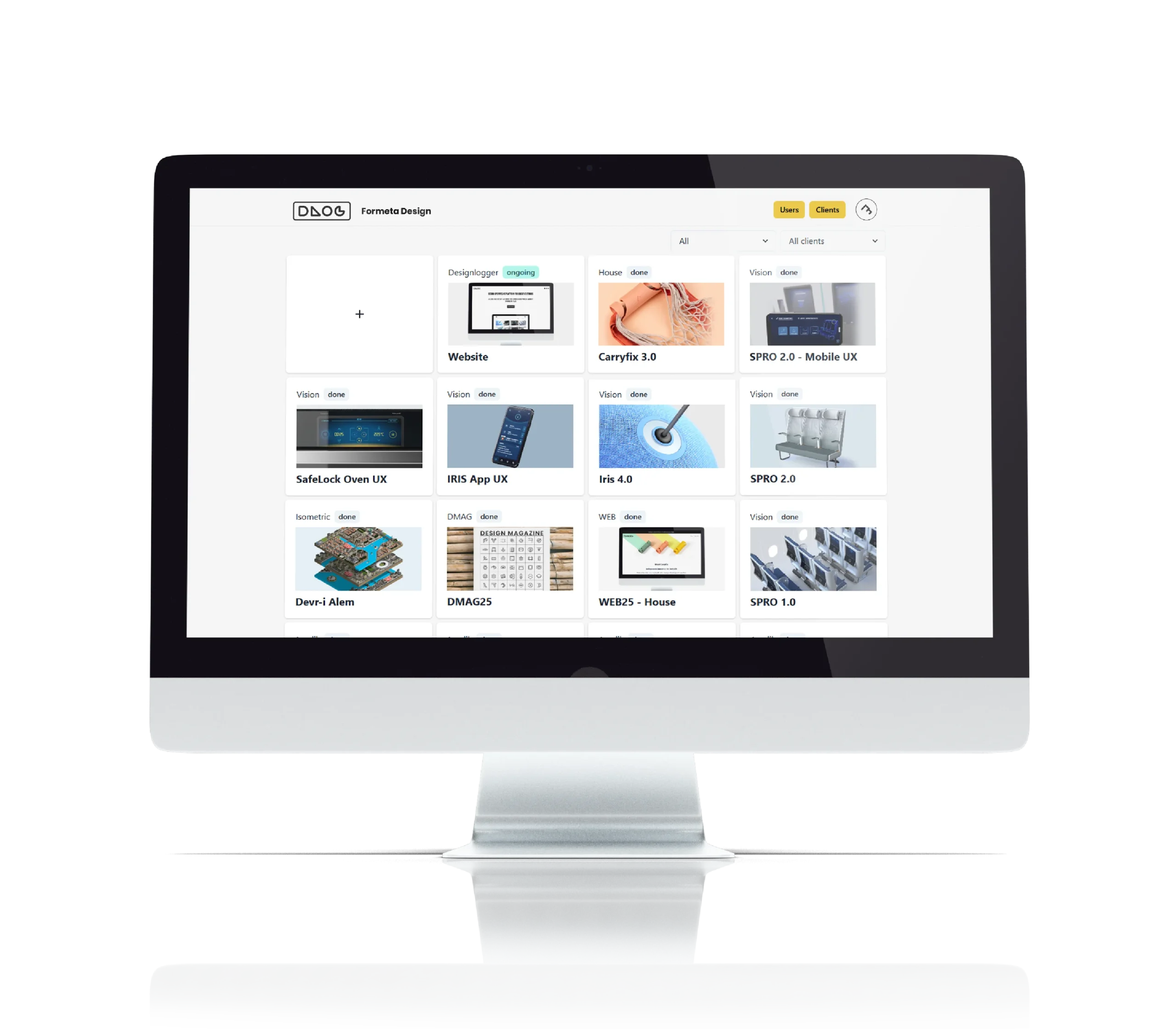
Every client project in one view · The current phase, always clear · Past phases, one click away
WHY PHASES MATTER
Your team is on phase 7.
Your developer is building from phase 5.
Your client is reviewing phase 6.
Some of that is on purpose: you may share phase 6 with the client while your team moves ahead. The trouble starts when someone treats an old phase as the current one.
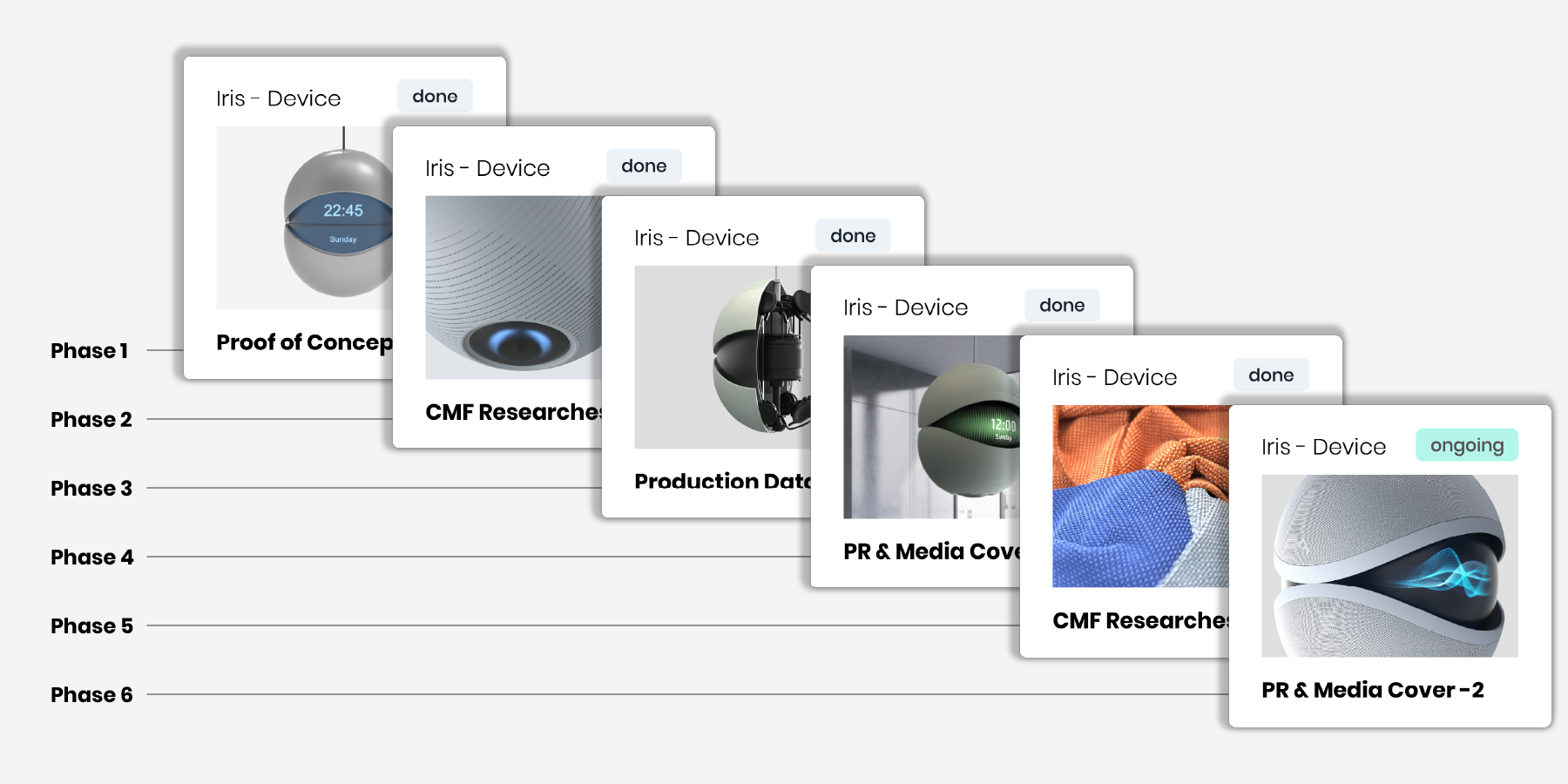
Designlogger keeps every phase, its deliverables, and its decisions together, so everyone can see which phase is current and what each one contains.
HOW IT WORKS
Three steps. No file migration.
1. Create a client project
Keep each client’s projects and history organized in one place.
2. Add phases and deliverable links
Create a new phase when the project moves forward. Group deliverables and decisions inside it, using links from the tools you already use.
Many studios start a new phase after each client review.
3. Share it clearly
Give your client a focused project view, or copy a ready-to-send delivery email.
Organize links from the tools you already use: Figma, Drive, Notion, Miro, Vimeo, Claude, ChatGPT, Gemini, and more. Just paste the link.
Keep AI-generated work in the right phase
Add shareable links from ChatGPT, Claude, or Gemini to the phase they belong to, alongside your deliverables and decisions.
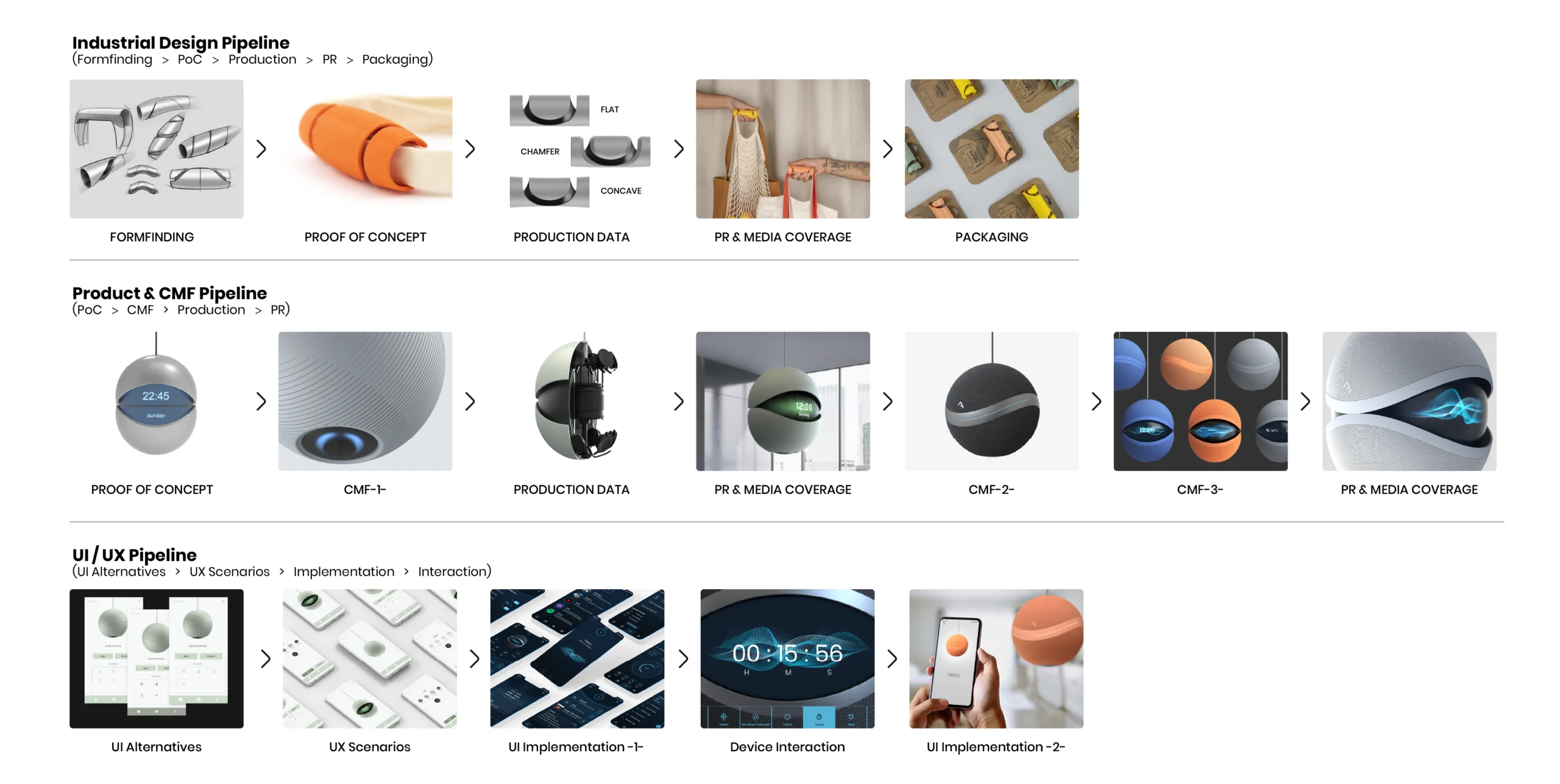
Example pipelines. Phase count and structure vary by project.
SHARING WITH CLIENTS
Share progress without asking clients to change how they work.
Project view
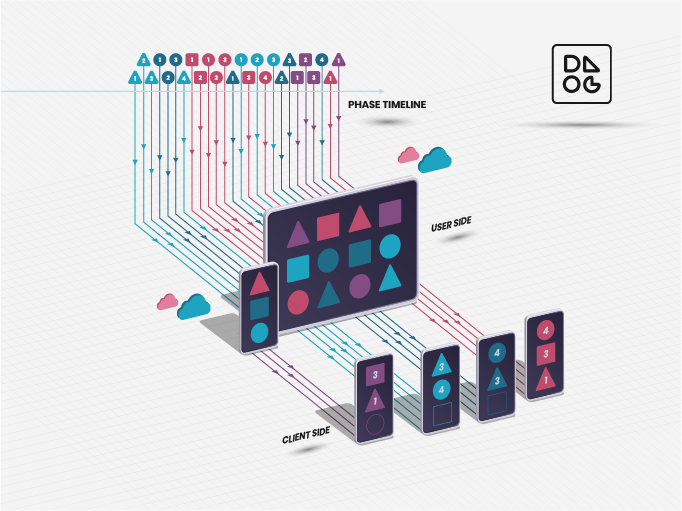
Clients see a clean, phase-by-phase view of the project: what’s done, what’s next, and the deliverables that matter. They never see your raw working files.
Send deliverables without rebuilding the email
Copy Email Block builds a ready-to-paste block with your logo, the date, the project number, and every deliverable link. Paste it into Gmail or Outlook and send. Your client gets everything in the inbox they already use.
Available on the Solo and Pro plans.
PROJECT HISTORY
Find past work, even years later.
A client asks for the material from an early review two years ago. Instead of digging through folders and old email threads, open the project, browse its phases by their covers, and go straight to the links you shared at that stage.
Every phase has a cover image, so your studio’s history becomes a visual archive you can browse at a glance.
BUILT BY A DESIGNER WHO NEEDED IT
Designlogger started inside Formeta Design. We were running as many as six client projects at once, each with its own team, developers, and decision-makers, and keeping everyone on the right phase was a constant struggle.
So we built the system we needed, and we use it with our own clients today.
Built from Formeta Design’s experience across 450+ design projects for 70+ client organizations.
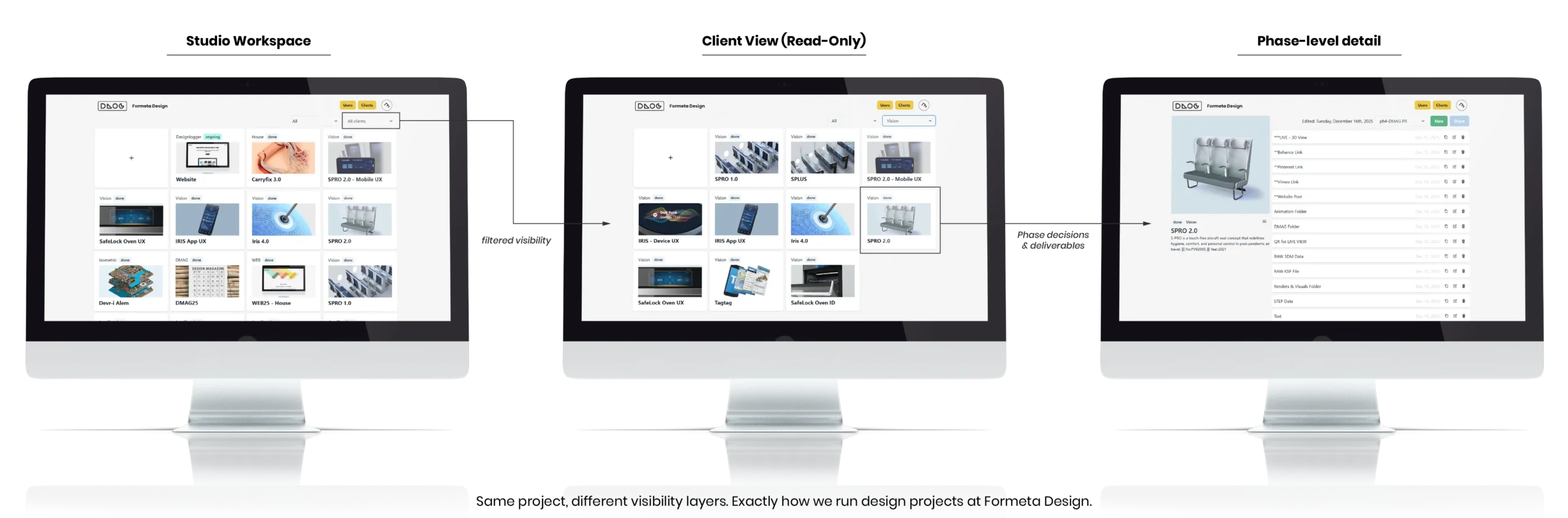
The same system is used internally by Formeta Design and externally with clients.
PRICING
Start free. Move to Solo when you need more clients and projects, and to Pro when your team joins.
Free
- Up to 3 clients, 3 projects per client
- Full phase-based pipeline
- 1 shared user per client
Solo
- Unlimited clients and projects
- Unlimited shared users per client
- Copy Email Block included
$129/year with annual billing.